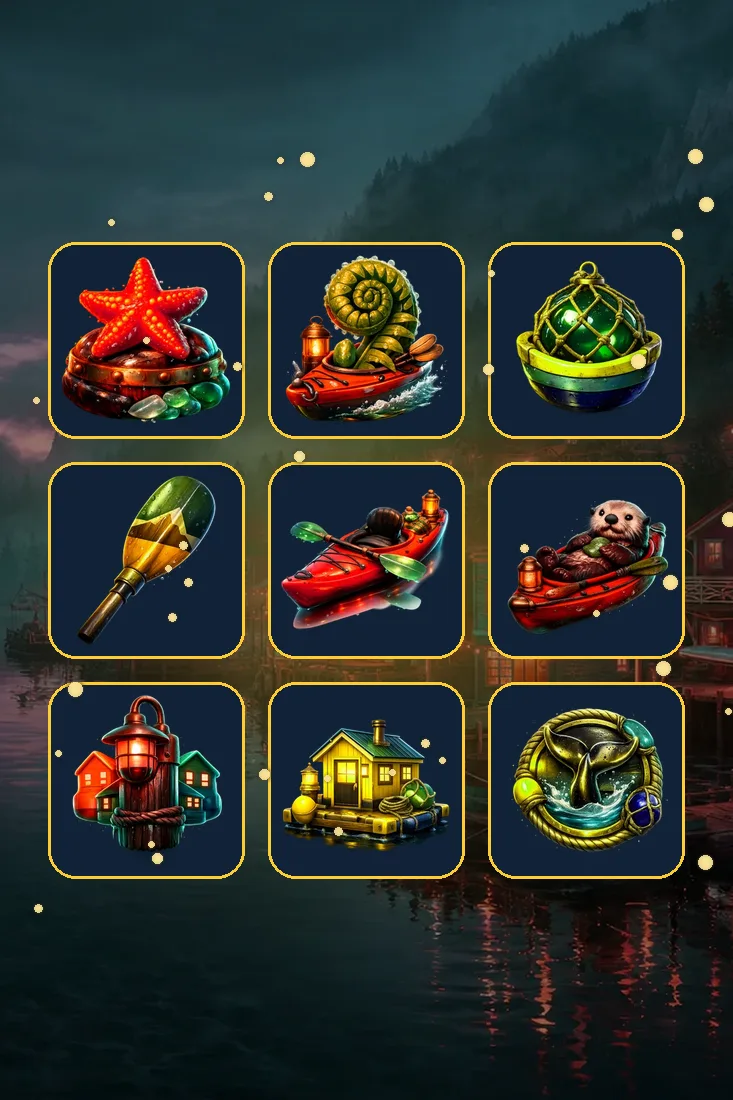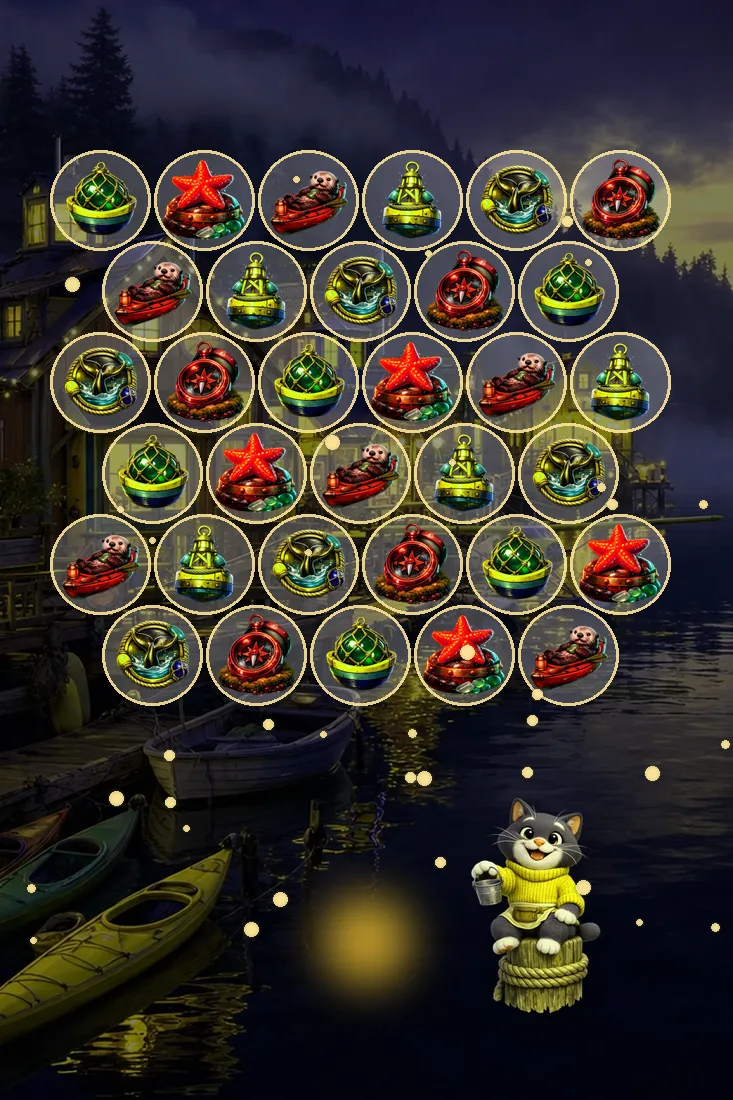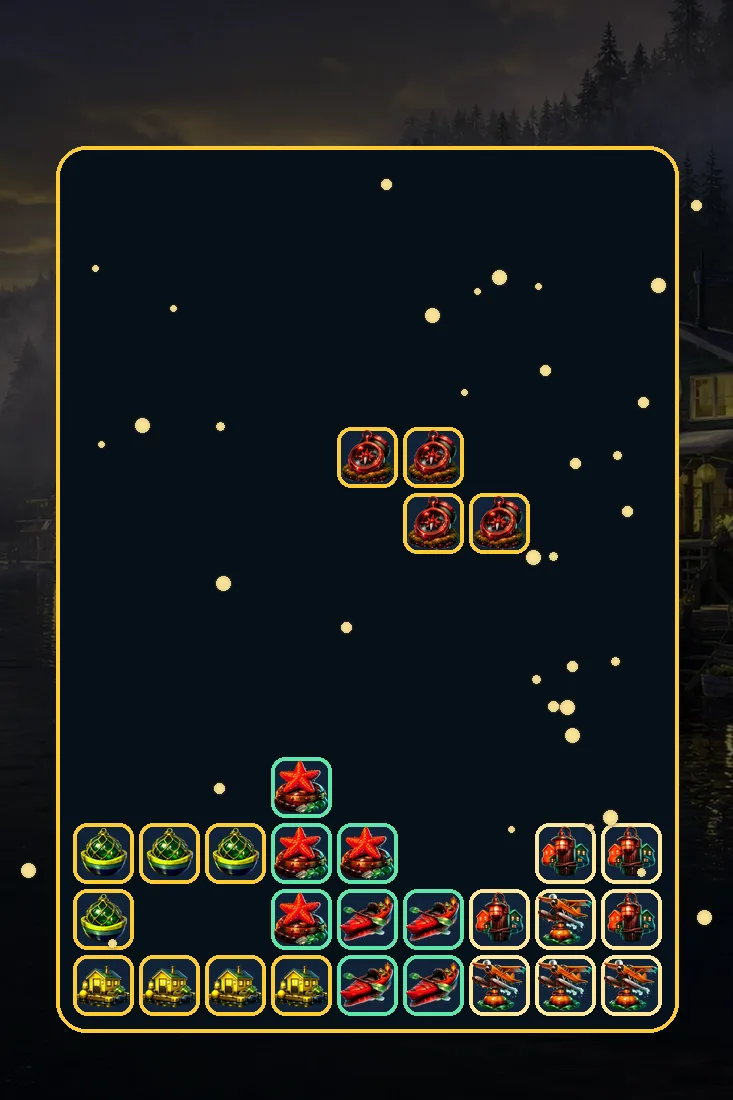
Pontoon Drop is our falling-block puzzle. The well is ten squares wide and twenty deep, and seven different shapes of four squares each come down from the top one at a time. Every shape wears its own cove icon, so a line of yellow float homes sits next to red kayaks, floatplanes, glass floats, sea stars, dock lamps and compasses, and you quickly learn to recognize each one by its picture.
Fill a full row from wall to wall and it clears, dropping everything above it down a step. A faint ghost below the falling piece shows exactly where it will come to rest. You can hold one piece aside to swap in later, and a short queue shows what is coming next. Every ten lines the level rises and the shapes fall a little faster.
How to play Pontoon Drop
- Press Play and watch the first shape appear at the top of the well with the next ones queued.
- Move it left or right, and rotate it until it fits neatly against the pieces already below.
- Use the ghost outline to see where it lands, then let it fall or drop it straight down.
- Fill a whole row from wall to wall to clear it, and hold a piece back when it does not fit.
- Keep the stack low as the level rises every ten lines; the round ends when it reaches the top.
Pontoon Drop controls
Getting better at Pontoon Drop
- Keep the surface of your stack as flat as you can; deep single holes are what end runs.
- Leave one column open along a wall for the long straight piece and clear several lines at once.
- Use hold to stash the long piece for the moment your open column is ready for it.
- Watch the next queue, not just the falling shape, so the following move is already planned.
- Trust the ghost outline and drop decisively; hesitating eats time once the pace has picked up.
Why every shape carries a picture from the cove
Classic falling-block games tell their shapes apart by colour alone. We stamped each of ours with one of the cove’s icons, so the float home is always the same shape and the floatplane is always another. It sounds like decoration, and partly it is, but after a few rounds you will find yourself thinking of shapes by name: here comes a kayak, save the floatplane.
It also makes a cleared row look cheerful rather than abstract. A full line of mixed harbour pictures lifting off the board feels like a dock being tidied before a storm. We kept the icons crisp and the blocks rounded so they stay readable at speed, even on a small phone screen where everything has to be recognized at a glance.
Ghost, hold and the next queue, used together
Three helpers sit around the well, and strong runs come from using all of them. The ghost tells you where the current piece will land before you commit. The queue tells you what comes after it. The hold box lets you set one shape aside and bring it back when it suits you, which turns an awkward piece into a future solution.
Combined, they let you think two or three moves ahead even when the shapes are falling quickly. A common pattern is to keep the long piece in hold while you build a flat stack with one empty column, then bring it out to clear four lines at once. The pace rises every ten lines, but planning keeps the well calm.
Questions about Pontoon Drop
Ten squares across and twenty squares deep. Shapes appear at the top, and the round ends when the stack has no room left for a new piece.
Every ten lines you clear, the level goes up by one and the pieces fall a little faster. The level number is shown beside the well so you can see it coming.
Yes. Press C, or use the hold button on screen, to set the current piece aside. The held piece comes back the next time you use hold, so you can save a useful shape for later.